1HourSites · phone menu

Before and after

The menu behind the three lines in the top corner of 1hoursites.com, on a phone.

Live on all 58 pages since 26 Nov 2026

The menu

What a visitor sees when they open the menu.
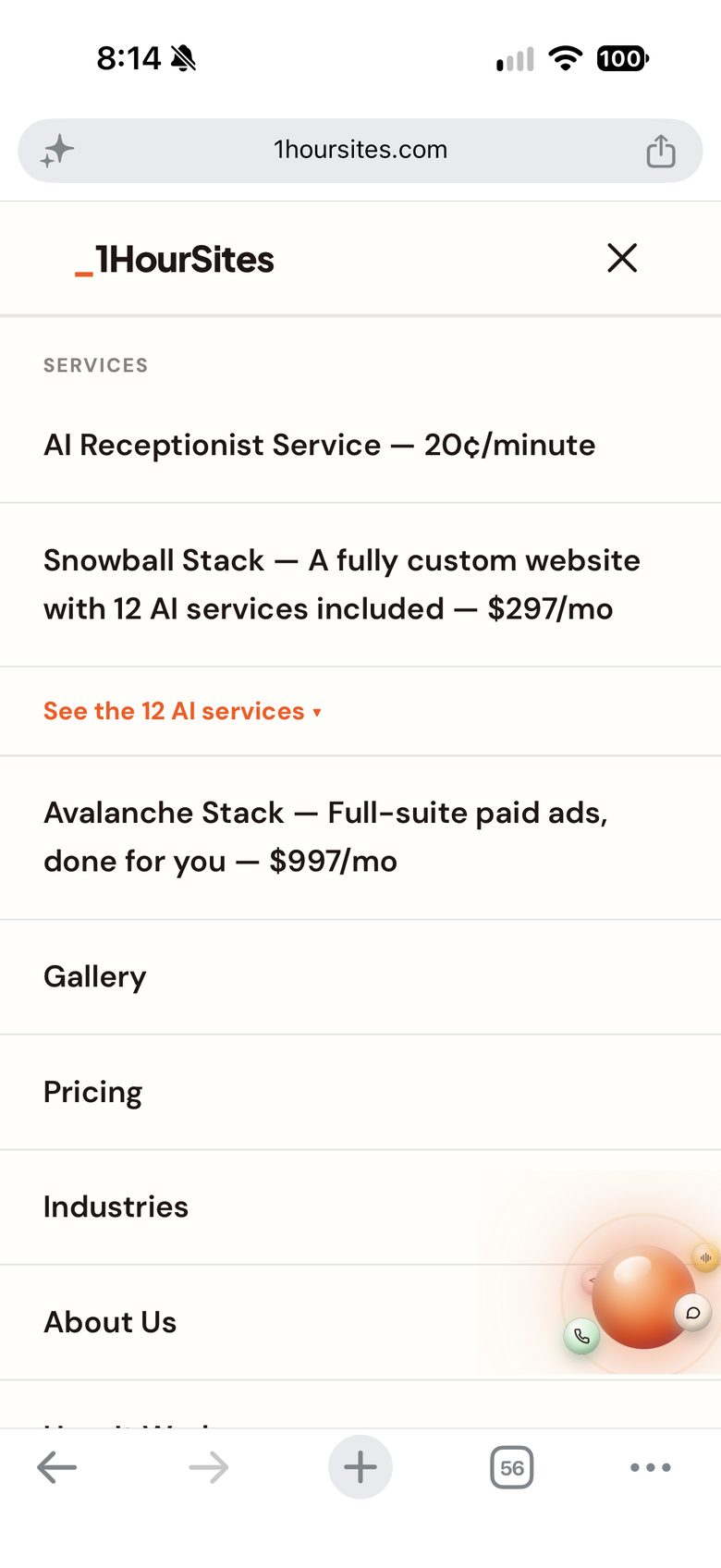
Before The old phone menu: one long list of plain text lines, with the chat bubble sitting on top of it.
One long list of plain text. The chat bubble sat on top of it, and the buttons were far below.
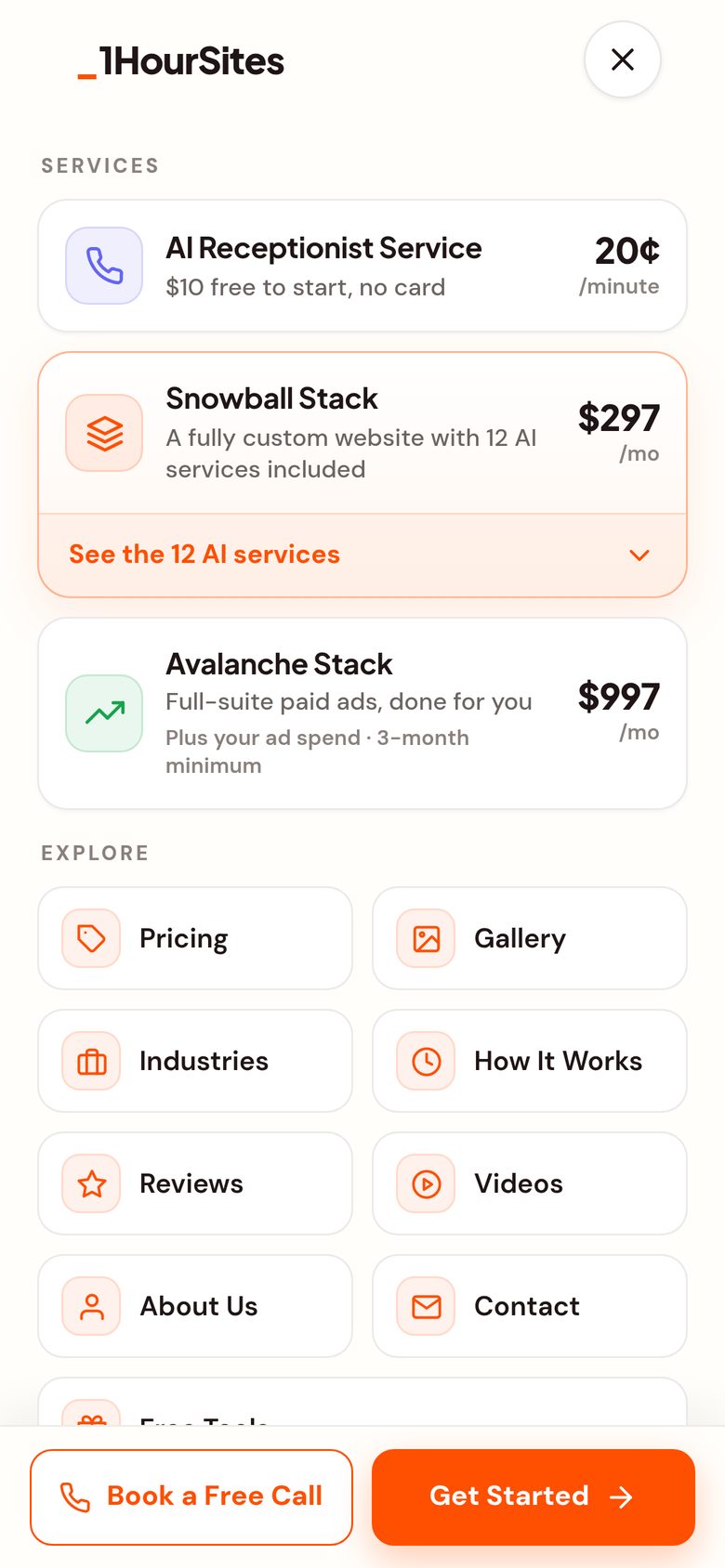
After The new phone menu: three service cards with prices, a grid of page tiles with icons, and two buttons pinned at the bottom.
The three plans as cards with their price, every page as a tile with an icon, and Book a Free Call and Get Started always in reach at the bottom.

Swipe to see after →

The 12 AI services

After tapping “See the 12 AI services”.
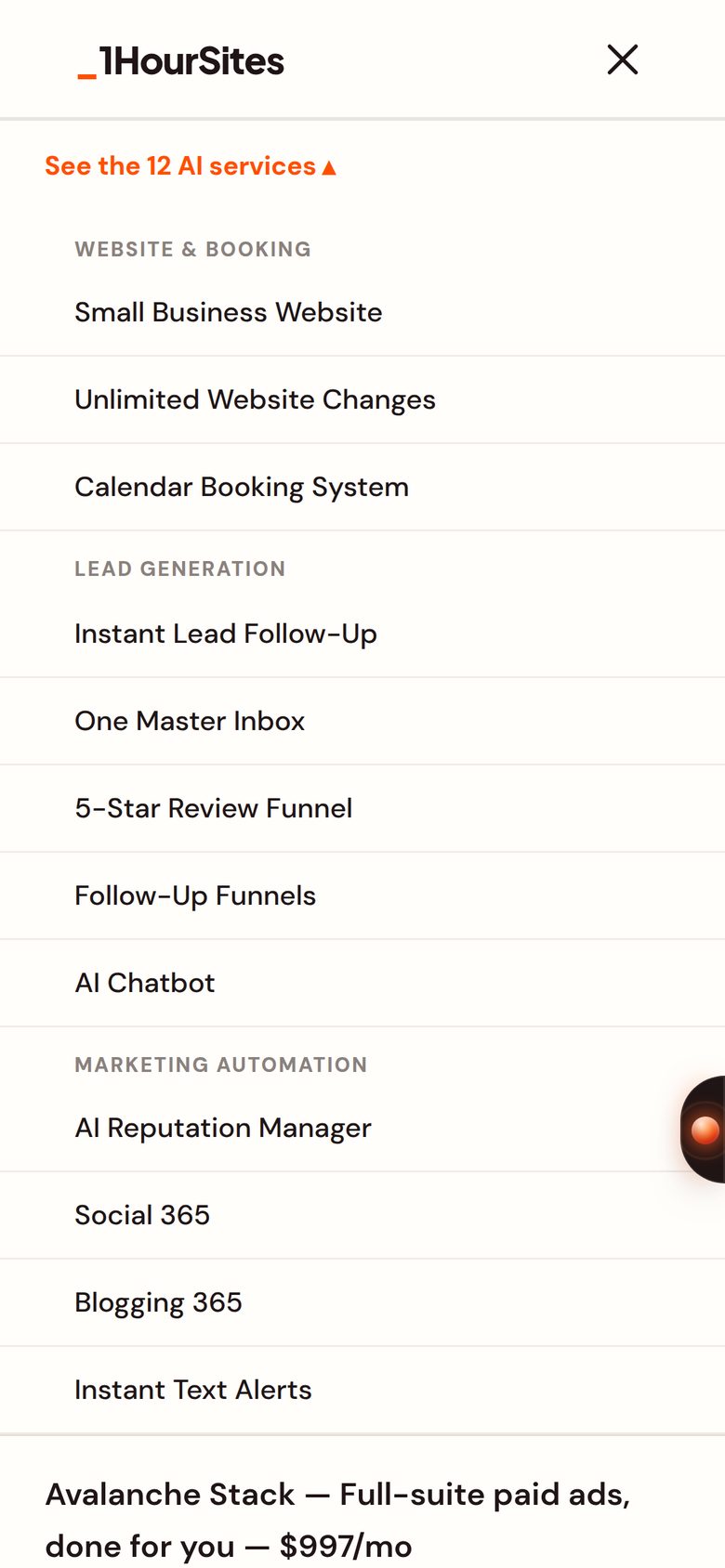
Before The old list of the 12 services: plain text lines one under another.
Twelve more plain lines pushed the rest of the menu down.
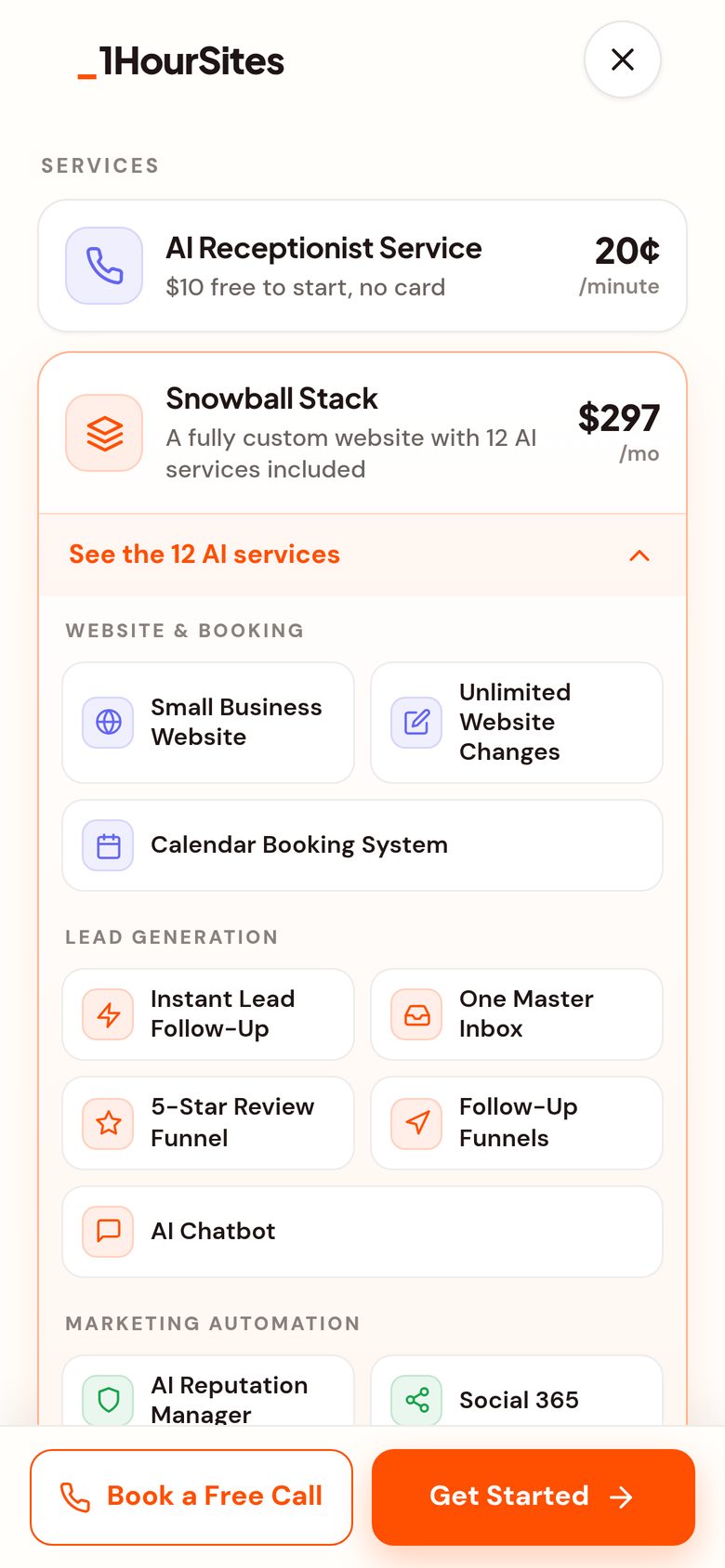
After The new 12 services panel: grouped by stage, each service a small card with its own icon, two to a row.
Grouped by stage, each service a small card with its own icon, two to a row, opening right inside the Snowball Stack card.

Swipe to see after →

Halfway down a long page

The pricing page, after reading down and then scrolling up a little.
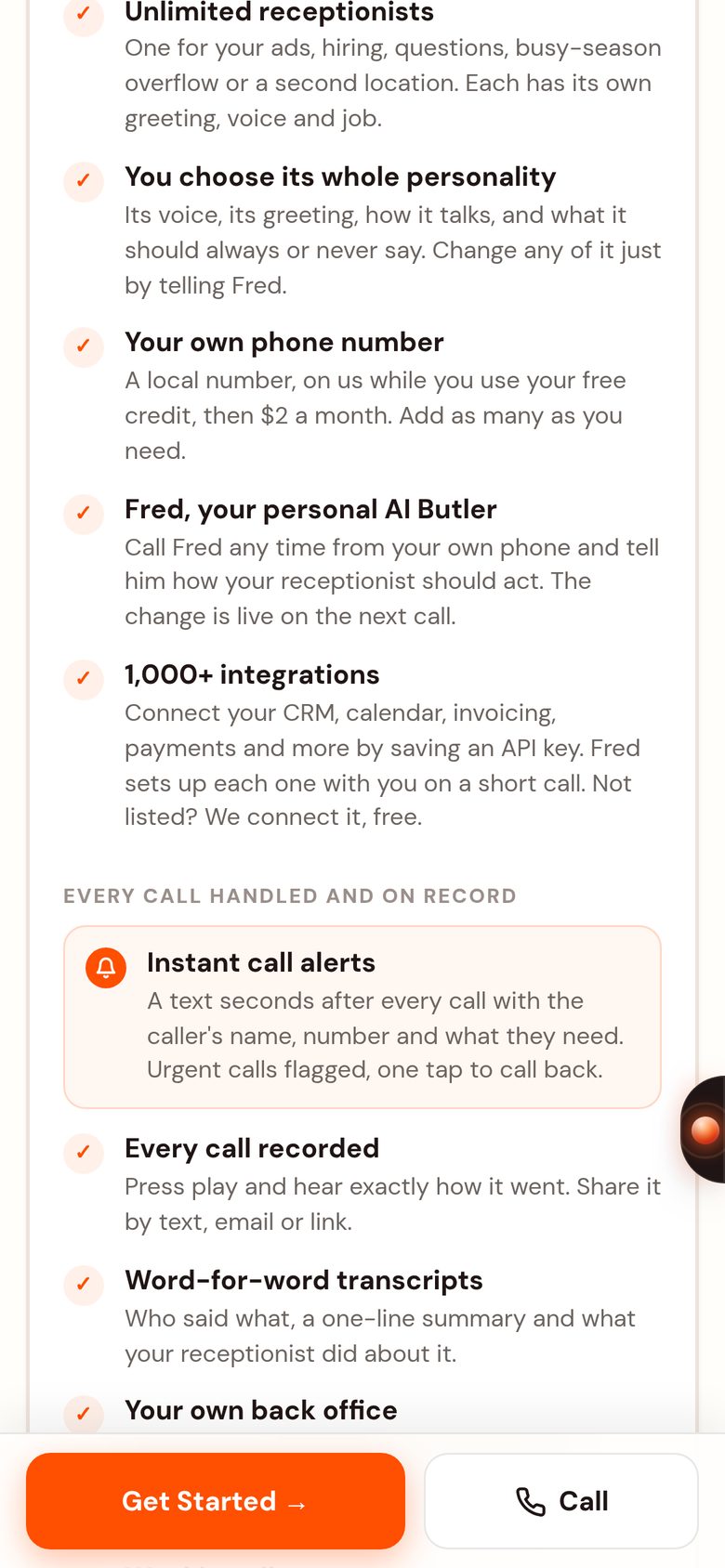
Before The old pricing page halfway down: no top bar and no menu button anywhere on screen.
The top bar and its menu button were gone. To open the menu, a visitor had to scroll all the way back to the top.
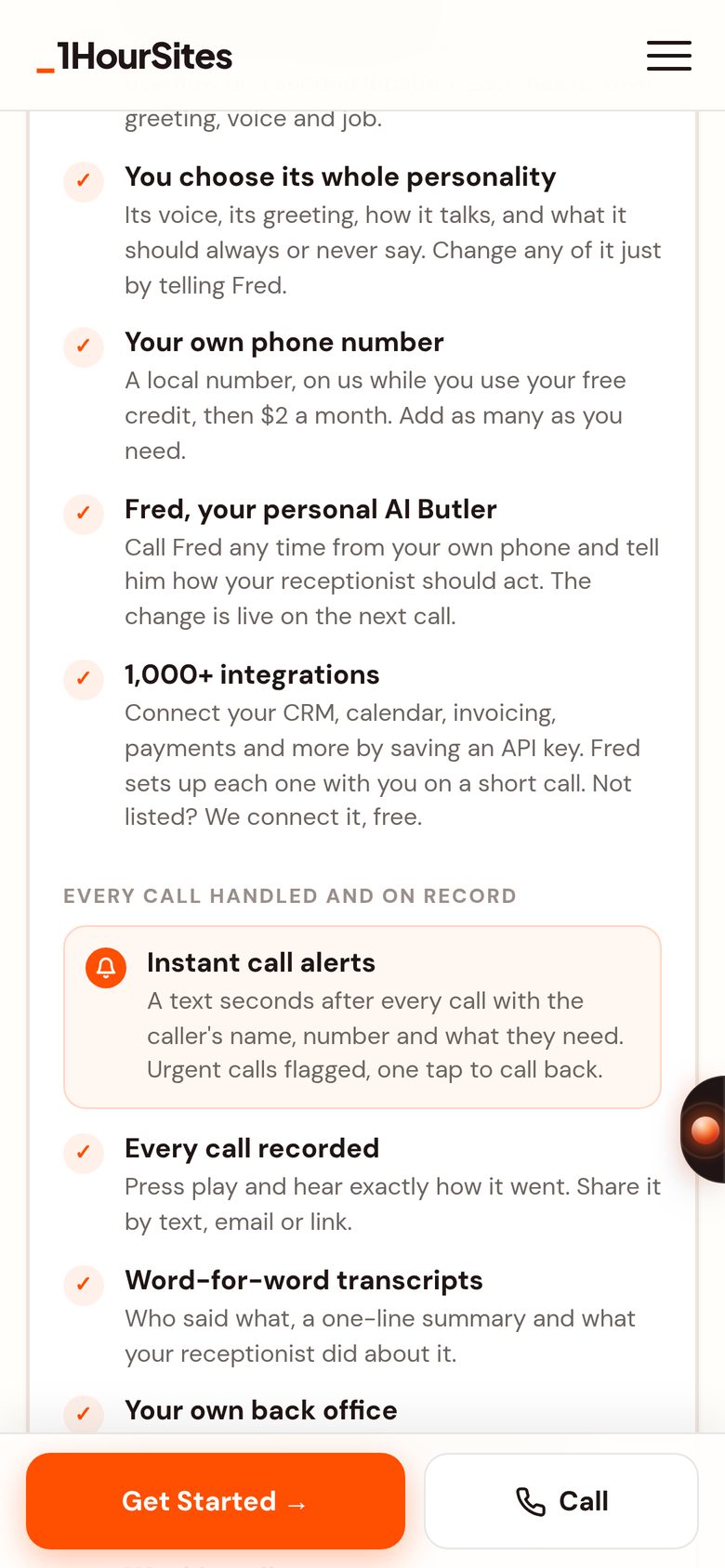
After The new pricing page halfway down: the top bar with the logo and the menu button is back at the top of the screen.
The top bar slides out of the way while reading down and comes back with a small scroll up, so the menu is always one tap away.

Swipe to see after →

What changed

Every link from the old menu is still there: the three plans, the 12 services, Pricing, Gallery, Industries, How It Works, Reviews, Videos, About Us and Contact, plus Free Tools, the phone number and Log in.

Book a Free Call and Get Started stay pinned at the bottom of the menu, and the chat bubble no longer covers it.

The menu opens and closes smoothly, and closing it puts the visitor back exactly where they were reading.

On tablets it opens as a side panel, and the pages that have their own search or topic bar keep it neatly under the top bar.

Open the live menu on 1hoursites.com

Pictures taken on 26 Nov 2026 at iPhone size. The first “before” picture is the screenshot Russell sent.